A subscription app can look like a low-risk download: a free trial, a small monthly price and a promise to make life easier. The real cost often becomes clear later, when the trial converts into a paid plan, the renewal date is forgotten or the cancellation process takes more effort than expected. A good app review should look beyond the star rating and test the terms that affect your money and data.
1. Find the full price before you sign up

Look for the price after the trial, the billing frequency and whether taxes or add-ons may apply. An app that costs a few dollars each month can become a much larger annual expense when several subscriptions are active. Compare the monthly and annual options, but do not choose an annual plan simply because the displayed monthly equivalent looks cheaper.
2. Write down the trial end date

If the trial requires payment details, note the exact date when the first charge is expected. Set a reminder a few days before it ends so you have time to decide whether the app is worth keeping. Take a screenshot of the offer and terms in case the price or trial length is disputed later.
3. Test cancellation before you depend on the app

Find the cancellation instructions before starting the trial. Some subscriptions are managed through the Apple App Store or Google Play, while others are billed directly by the company. Knowing where the subscription lives prevents the common mistake of deleting an app and assuming that the payment has stopped.
Important legal context: The FTC’s widely reported 2024 “click-to-cancel” rule is not currently in force. The Eighth Circuit vacated that expanded rule on July 8, 2025, and the FTC restored the earlier version of its Negative Option Rule in February 2026. In March 2026, the agency opened a new rulemaking process to consider changes. For online subscriptions, the Restore Online Shoppers’ Confidence Act (ROSCA) and the FTC Act remain relevant, and state automatic-renewal laws may add requirements. This is why consumers should still read the terms, keep cancellation records and check their statements—but should not assume the vacated 2024 rule is the current federal standard.
Keep confirmation of cancellation and check your bank or card statement afterward. If the company continues billing after you cancel, contact the company and your payment provider using their official channels.
4. Check permissions and privacy

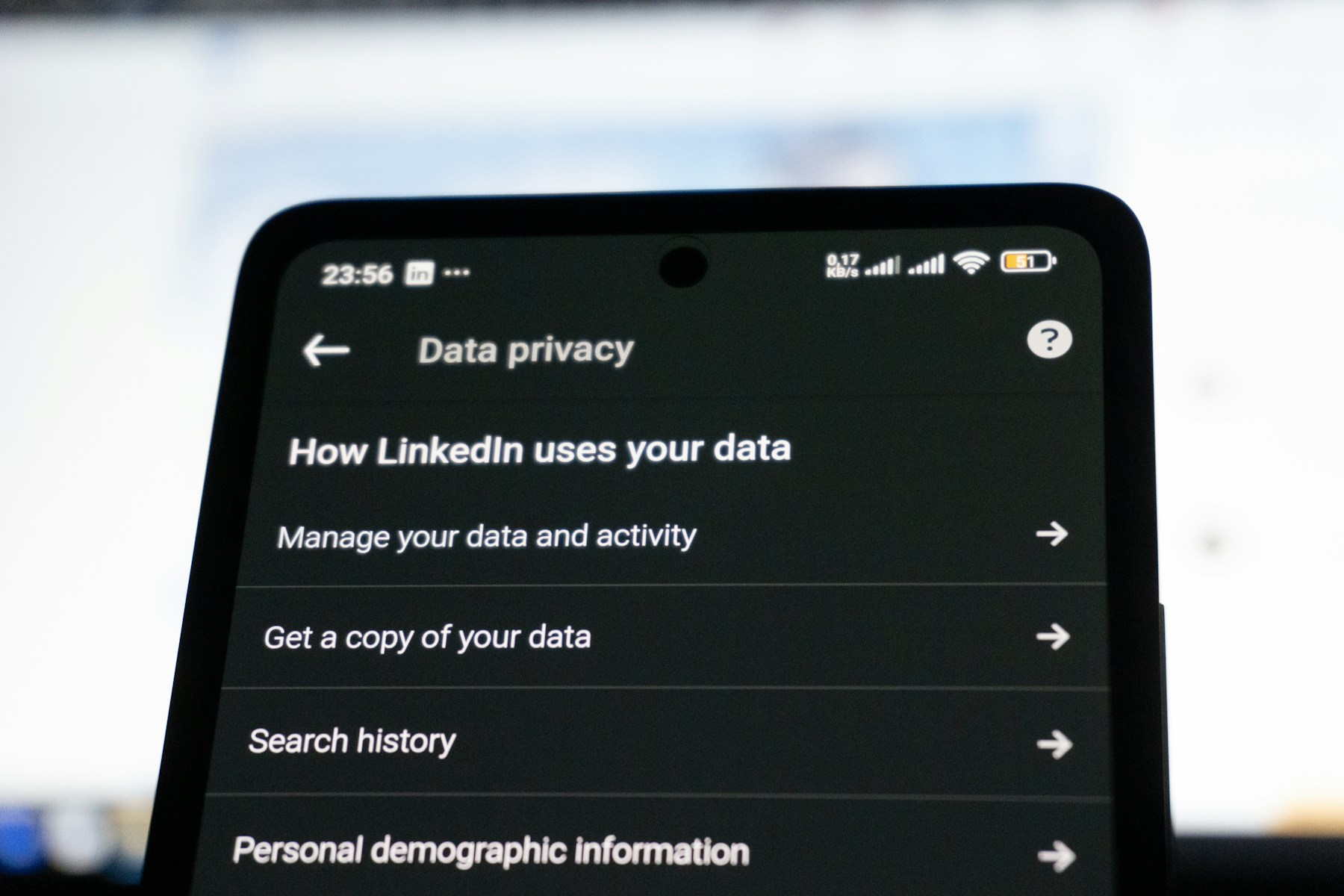
Ask whether the app genuinely needs access to your contacts, location, microphone, camera, photos or health information. A photo editor may need access to selected images; a simple calculator should not need your contacts. Review the privacy policy and the app-store privacy information, and deny permissions that are not necessary for the feature you want to use.
5. Judge the features you will actually use

Do not rate an app only by the number of features listed on its sales page. Test the main task you downloaded it for. Is the interface easy to understand? Does it work reliably? Does it save time or solve a problem you have often enough to justify a recurring payment? If the free version already handles the task, the paid tier may not be necessary.
6. Read reviews with a critical eye

Look for patterns across recent reviews rather than relying on one glowing or angry comment. Repeated complaints about unexpected charges, poor customer support, data loss or features disappearing behind a paywall deserve attention. Also check whether the developer responds to problems and whether the latest update has changed the experience.
A quick subscription-app review checklist
- Full renewal price and billing frequency are visible.
- Trial end date is recorded in your calendar.
- Cancellation route is known before signup.
- App permissions match the features you use.
- Privacy policy explains data collection and sharing.
- Recent reviews do not show repeated unresolved billing or reliability complaints.
- The paid features are worth more to you than the recurring cost.
The bottom line
A subscription app should earn its place in your budget. Review the renewal terms, cancellation steps, permissions and real-world usefulness before entering payment information. If the company makes those details difficult to find, treat that as a reason to pause rather than a reason to rush.
Sources: FTC Negative Option Rule and 2026 rulemaking status; Federal Register: 2026 FTC advance notice on negative-option marketing; ROSCA, 15 U.S.C. § 8403.


Leave a Reply