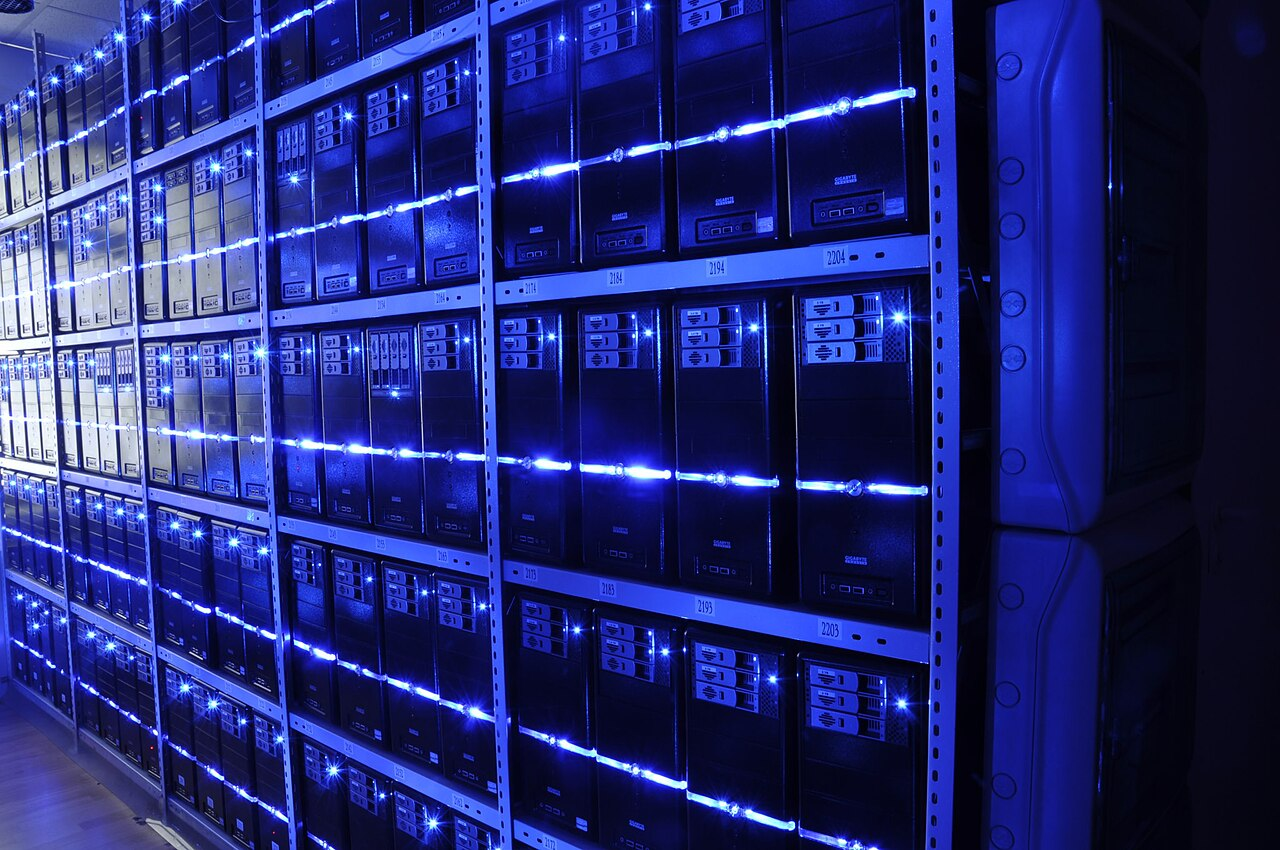
More than 3.5 billion records — including passwords, session cookies and national ID numbers — were found sitting in two unsecured databases that anyone on the internet could read. The findings were reported by WIRED on November 24, 2026, and the scariest part is not the size of the number. It is where the data came from: not a single hacked company, but malware on ordinary people’s computers.
Here is what leaked, how to check if your password was exposed, and — most importantly — what to fix first, in the right order.
What actually leaked
This was not one hack. Two security researchers independently found two separate databases that were left accessible without proper login protection:
- The credentials database (about 2 billion records): Found by Jeremiah Fowler of Black Hills Information Security. It held roughly 2 billion login credentials — email addresses, usernames, passwords, browser cookies, session tokens and device data — spread across 8,471 folders. The data appears to have been stolen by infostealer malware, programs that copy saved logins and browser data from an infected computer. About 400,000 documents came from more advanced malware that built a profile of each victim, with folders for applications, cookies and saved passwords. Fowler counted 608 million lines mentioning Gmail, 114 million for Google services, 88 million for Facebook and 41.7 million for Roblox. He reported it to the hosting provider, which restricted public access.
- The documents database (about 1.64 billion records): Found by Greg Pollock of UpGuard. It held mostly identity documents linked to China, including at least 840 million distinct national ID numbers and 300 million phone numbers. It went offline during his investigation, apparently through a ransomware or destructive attack, so he could not verify every record.
Neither researcher could identify who owned either database. The exposure period and whether anyone else accessed the data before the researchers found it have not been established.
No, 3.5 billion people were not hacked
The headline number needs a translation. “3.5 billion records” counts items — logins, cookies, documents — not people. The totals include duplicates, and the same person’s credentials can appear many times across many folders.
Just as important: no single company was breached to compile this data. Fowler told WIRED there is “no indication that individual companies or institutions were breached.” Google, Apple and the social networks were not hacked. The data came from infected personal devices — which is bad news in a different way, because it means the fix starts with your own computer, not with a company’s security team.

How to check if your password was leaked
There is no public tool that can confirm whether your details are in these two specific databases — and any site that claims it can is lying. But you can check whether your credentials appear in known breaches, which is the closest useful answer:
- Have I Been Pwned (haveibeenpwned.com): Search each email address you use, one at a time. The site indexes stealer logs and shows which breaches an address appears in. A clean result does not rule you out of these two new databases — but a hit means you need to act now.
- Google Password Checkup: In your Google Account, under Security, Password Checkup flags saved passwords that have appeared in known breaches and tells you which accounts to change first.
- iPhone Passwords app: Open Passwords, tap Security, and Apple lists every saved password that has been compromised or reused.
- Pwned Passwords check: To check a single password without sending it anywhere, the Have I Been Pwned Pwned Passwords tool hashes it in your browser and sends only the first 5 characters of the hash. Any count above zero means attackers already have it in their guess lists.
What to fix first, in order
If you do nothing else today, do these — in this order, because the order matters:
- Scan for malware first. If a device is infected, new passwords typed on it can be stolen again. Run a full malware scan — or reset the device — before changing anything, and change passwords from a clean device.
- Secure your main email account first. Almost every other account sends its password-reset link to your inbox. Change the email password to one you use nowhere else, turn on two-step sign-in, and check the recovery phone number and backup email — removing anything you do not recognize.
- Change passwords on bank and payment accounts. The US cyber defense agency CISA singles out email, social media and financial accounts for multi-factor authentication, and its basic rule is a different strong password for every account.
- Sign out everywhere. This is the step most people skip — and the one this leak makes essential. A new password alone does not kill a stolen session cookie. Use each service’s “sign out of all sessions” or “sign out everywhere” option so a stolen cookie cannot keep an attacker logged in as you.
- Replace reused passwords. A password manager makes unique passwords painless. Start with the accounts that hold money or can reset other accounts.
- Turn on passkeys or stronger multi-factor authentication wherever it is offered. A passkey cannot be phished or stolen from a database.
- Watch for follow-up scams. Leaked data feeds phishing. Expect convincing emails that quote real details about you — and never click a password-reset link you did not request.
The mistake that leaves you exposed
The single most dangerous misunderstanding about this leak is thinking a password change is enough. It is not — because this leak includes session cookies and tokens. A stolen session cookie can keep someone logged into your account even after you change the password, until that session is killed. That is why step 4 — signing out everywhere — comes before anything else feels finished.
The same warning applies to the fake-download scams spreading around other big launches this week. Our GTA 6 PC release date page covers the fake “PC download” sites targeting players right now — the same playbook, a different bait.

Bottom line: 3.5 billion records were exposed in two databases — one of stolen credentials, one of identity documents — and the data came from infected personal computers, not a single hacked company. Check your email on Have I Been Pwned, run Google Password Checkup or the iPhone Passwords security list, scan your devices for malware, change your email password first, and sign out everywhere. A new password without killing the old sessions is only half a fix.
Sources:
- WIRED (Nov. 24, 2026), reporting on the two exposed databases — as covered by Sooper Articles, “How to Check and Secure Accounts After the 3.5 Billion Password Leak” — https://sooperarticles.com/how-to-check-and-secure-accounts-after-the-35-billion-password-leak-1952415
- Skimwire, “2 Billion Credentials Leak: What to Do, in the Right Order” (Fowler/ExpressVPN report) — https://www.skimwire.com/infostealer-leak-2-billion-credentials-what-to-do/
- UJMix, “3.5 Billion Records Exposed: What the Leak Means” — https://www.ujmix.com/3-5-billion-records-exposed-database-leak/
- Have I Been Pwned — https://haveibeenpwned.com/
Reporting status checked November 24, 2026. Figures (2 billion credentials, 8,471 folders, 1.64 billion documents, 840 million national IDs, 300 million phone numbers, 608 million Gmail lines) are researcher-reported counts via WIRED’s Nov. 24, 2026 report, not a verified list of confirmed victims. No public tool can confirm whether a specific person’s details are in these two databases.
Don’t stop here. Explore more stories from The Immortal Times.




Leave a Reply
You must be logged in to post a comment.