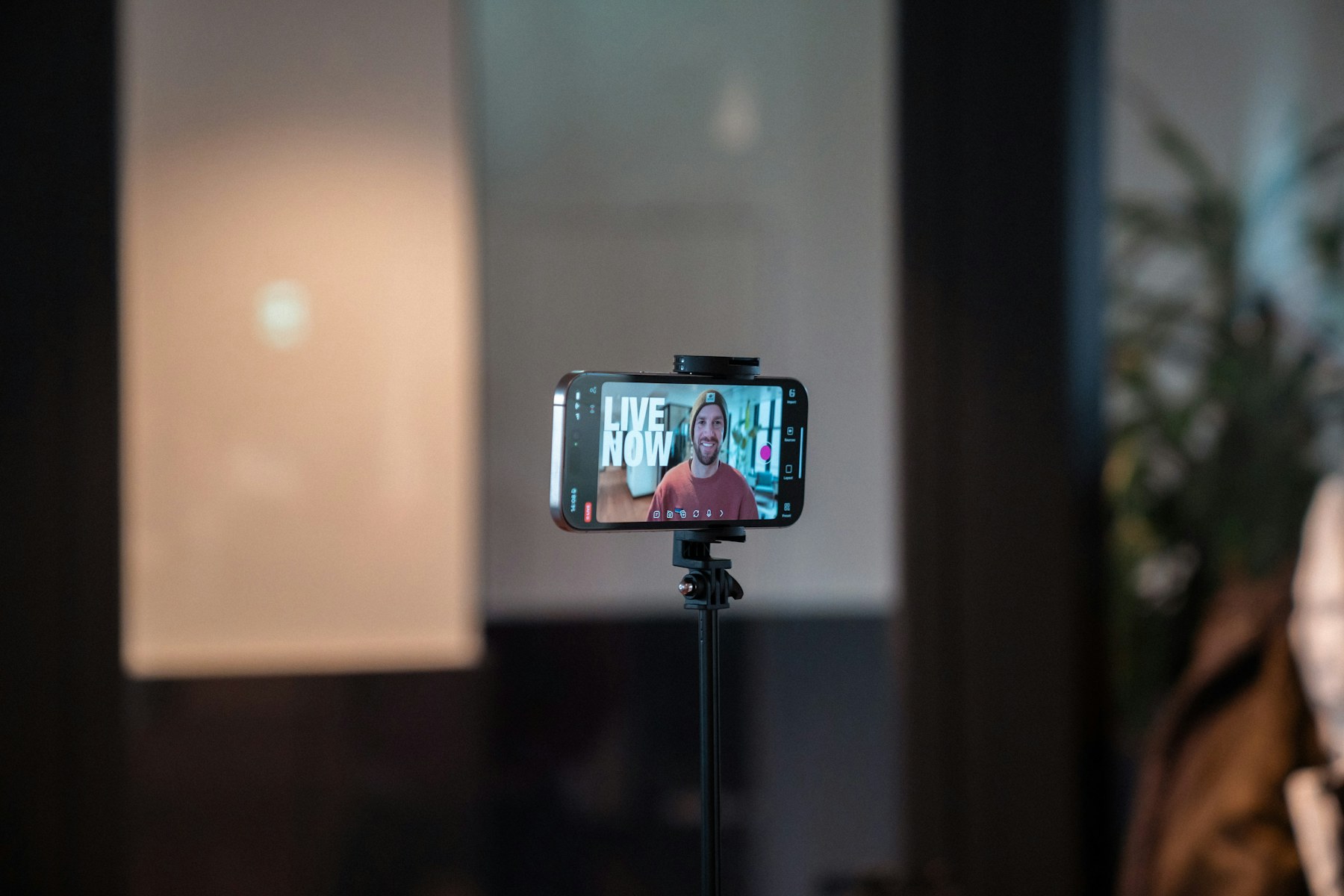
Give the viewer a reason to stay

Open with the subject or the question the video answers. Avoid a long introduction that delays the point. A useful opening tells viewers what they will learn, see or decide by the end.
Keep one main idea per clip. If a topic needs several explanations, divide it into a short series rather than forcing every detail into one crowded video.
Frame for the screen people use

Clean the camera lens, place the phone at a stable height and check the background before recording. Leave enough space around the subject so captions and platform controls do not cover important details. Natural window light can work well when it falls on the subject rather than directly behind them.
Record a few seconds of room tone and test the audio. Viewers may tolerate a simple image, but unclear sound makes it difficult to follow even a strong idea.
Use captions that are easy to read

Captions improve access for people who are deaf or hard of hearing and help viewers watching without sound. Correct automatic transcription, use strong contrast and keep each line short enough to read comfortably. Avoid placing text too close to the screen edges.
Do not rely on color alone to communicate meaning. If a caption highlights an important word, make sure the full sentence remains understandable without the highlight.
Edit for clarity, not constant motion
Remove pauses that do not add meaning, but leave enough time for viewers to understand what is happening. B-roll should support the point being made, not distract from it. Music should sit below speech and should be licensed for the platform and use.
Check the finished video on a phone before posting. Watch for cropped faces, tiny text, sudden volume changes and captions that disappear too quickly.
The takeaway
A strong short video is easy to understand. Lead with the point, record clear sound, frame for mobile screens, caption accurately and edit only to make the story clearer.
Sources and further reading
W3C Web Accessibility Initiative: Captions


Leave a Reply